
WhatsApp Strict Account Settings: Guide | Zynaptics AI
Learn what WhatsApp Strict Account Settings does, who it’s designed for, and how to enable extra protection against sophisticated cyberattacks.
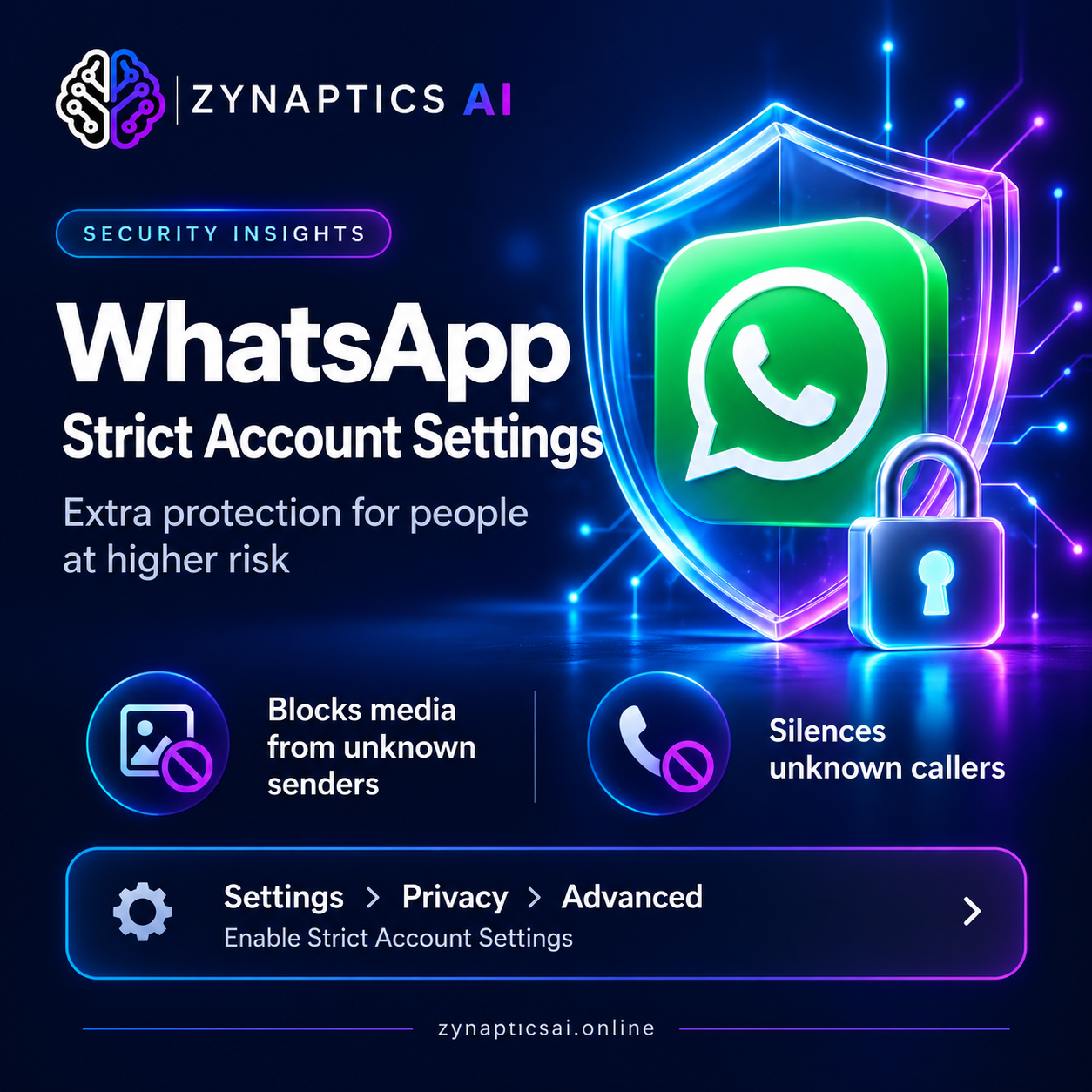
WhatsApp Strict Account Settings: What It Does and How to Enable It
A messaging app can be central to someone’s working life. For journalists, public figures, and others handling sensitive conversations, stronger account protection can be especially valuable.
WhatsApp has introduced Strict Account Settings, an optional security feature that applies more restrictive settings to help protect people at higher risk of sophisticated cyberattacks.
At Zynaptics AI, we explain what this feature means and the practical trade-offs to consider before enabling it.
What Are WhatsApp Strict Account Settings?
Announced on 27 January 2026, Strict Account Settings is a lockdown-style feature that brings together stronger protections within WhatsApp.
Personal messages and calls already use end-to-end encryption by default. This feature adds restrictions on how unfamiliar people and potentially harmful content can reach you through the app.
It is designed particularly for people who could become targets of rare, highly sophisticated attacks, including journalists and public figures.
What Does the Feature Change?
Meta highlights three main changes:
- Blocking attachments and media from unknown senders, reducing exposure to potentially dangerous incoming content.
- Silencing calls from people you do not know, limiting interruptions from unfamiliar callers.
- Applying additional restrictive settings, which can affect how parts of WhatsApp work.
These protections involve a trade-off: tighter security can make some everyday interactions less convenient.
How to Enable Strict Account Settings
Open WhatsApp and follow this path:
Settings → Privacy → Advanced → Strict Account Settings
Review the information shown in the app, then follow the prompts to enable the feature.
Read the on-screen explanation carefully so you understand which settings will change.
Who Should Consider It?
The most useful question is whether your circumstances call for stronger restrictions.
For example, someone communicating with confidential sources may prioritise limiting contact from unfamiliar senders. A public-facing professional may also want tighter controls around unsolicited calls and incoming files.
Consider how you normally use WhatsApp:
- Do you regularly receive sensitive information?
- Does your work or public profile make targeted attacks a particular concern?
- Do you depend on calls and attachments from people you have not saved as contacts?
Your answers can help you weigh stronger protection against communication needs.
What Does This Mean for Business Users?
For businesses that receive enquiries through WhatsApp, restrictions on unknown senders deserve careful consideration.
A prospective customer may be contacting you for the first time. Before changing security settings on an account used for enquiries, review how those restrictions could affect your workflow.
Our practical recommendation is to assess each account’s purpose. An account used for sensitive professional conversations may have different needs from one used to receive new customer enquiries.
Stronger Security Starts With Understanding Your Settings
Strict Account Settings offers an additional option for people whose circumstances require tighter protection. Understanding the restrictions is part of deciding whether the feature suits your needs.
At Zynaptics AI, we make technology updates easier to understand, helping readers connect new features with real-world decisions.
Explore more AI and technology insights at https://zynapticsai.online/.
Source: Meta’s official announcement on WhatsApp Strict Account Settings.
← Back to Blog